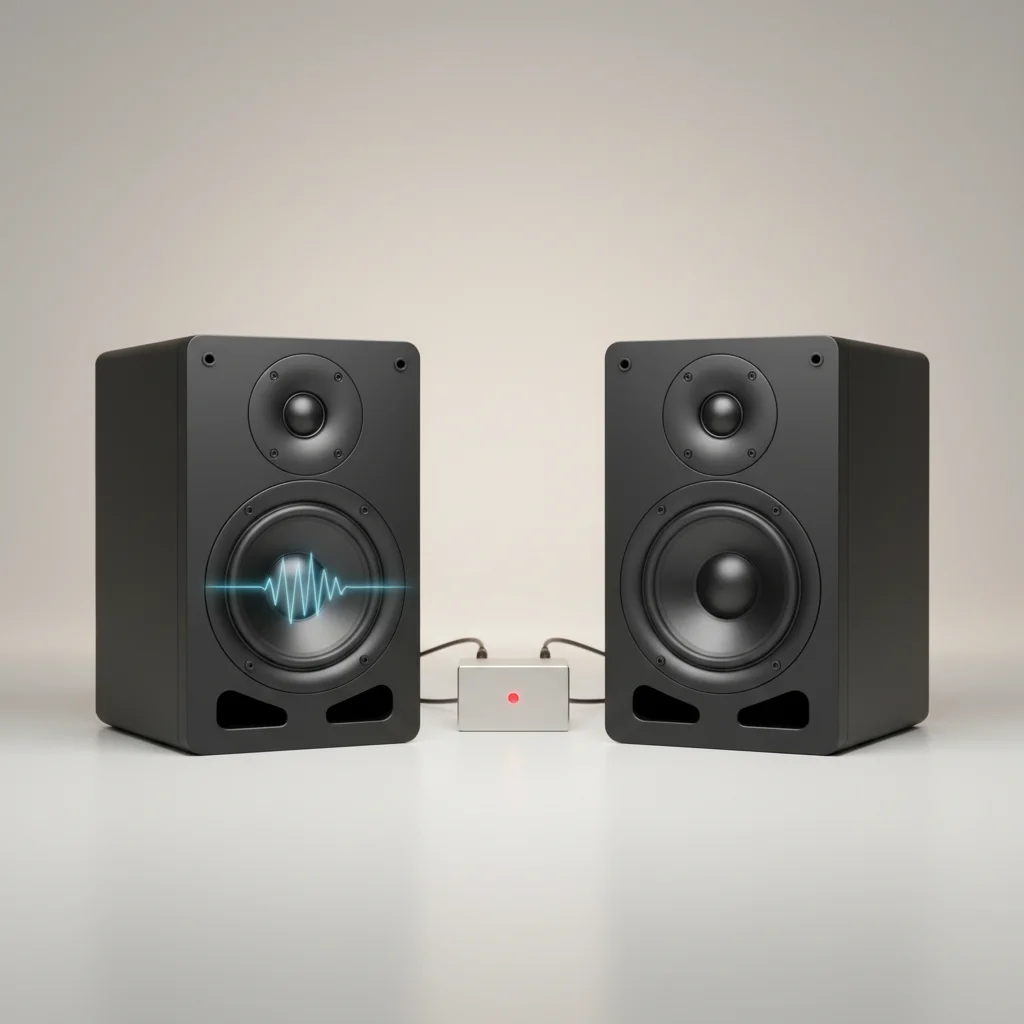
Studio monitor break-in is a process where new speakers are played for a period to allow their components to settle and perform optimally. While some audiophiles debate its necessity, many manufacturers and audio engineers suggest that a break-in period of 20 to 100 hours can indeed improve sound quality, particularly in the bass response and overall clarity. This process allows the speaker’s suspension and cone materials to loosen, leading to a more accurate and consistent sound reproduction.
What Happens During Studio Monitor Break-in?
During the break-in period, the mechanical components of a studio monitor, such as the speaker’s surround and spider, become more flexible. These parts are initially stiff from manufacturing and require movement to reach their intended compliance. As the speaker plays audio, these components flex, gradually softening and allowing the cone to move more freely. This increased flexibility can result in a smoother frequency response, especially in the lower registers, and a more open, less constrained sound. For best studio monitor roundups on this site.
The voice coil and magnet assembly also undergo subtle changes. While not as dramatic as the mechanical components, the thermal cycling and continuous operation can help stabilize the electrical characteristics of the driver. This contributes to a more consistent performance over time, reducing any initial harshness or stiffness in the sound.
How to Properly Break-in Your Studio Monitors
Breaking in your studio monitors is a straightforward process. The most common method involves playing a variety of music or pink noise at a moderate volume for an extended period. It’s important not to play them too loudly during the initial stages, as this can stress the new components. A good starting point is to play them at about 50-60% of their typical listening volume.
Many users opt to play a diverse range of music genres to ensure all frequencies are adequately exercised. Alternatively, a dedicated break-in CD or a continuous loop of pink noise can be used. The key is consistency; aim for several hours of continuous playback daily until the recommended break-in time is reached. Some manufacturers, like Genelec, suggest a minimum of 20 hours, while others, such as Focal, recommend up to 100 hours for optimal performance.
Recognizing the Signs of a Broken-in Monitor
|
Our Picks for the Best Studio Monitor in 2026
As an Amazon Associate I earn from qualifying purchases.
|
||
| Num | Product | Action |
|---|---|---|
| 1 | Edifier MR4 Powered Studio Monitor Speakers, 4" Active Near-Field Monitor Speaker - White (Pair) |

|
| 2 | Mackie CR3.5 3.5" Creative Reference Powered Studio Monitors with Tone Knob and Location Switch — Active Speakers for Music Production, Desktop Computer, Gaming, HiFi Listening |
|
| 3 | Yamaha HS3 Powered Studio Monitor in Black, Pair (HS3 B) |
|
| 4 | Edifier R1280T Powered Bookshelf Speakers - 2.0 Active Near Field Studio Monitor Speaker - Wooden Enclosure - 42 Watts RMS Power |
|
| 5 | Yamaha HS4 Powered Studio Monitor in White, Pair (HS4 W) |
|
| 6 | PreSonus Eris E5 2-Way 5.25" Near Field Studio Monitor |
|
| 7 | PreSonus Eris 3.5 Studio Monitors (White), Pair — 3.5" Inch Powered Bookshelf Speakers, Stereo, Desktop Computer, Near Field Music Production, Audio Mixing Recording |
|
| 8 | PreSonus Eris 3.5 Studio Monitors, Pair — Powered, Active Monitor Speakers for Near Field Music Production, Desktop Computer, Hi-Fi Audio |
|
| 9 | PreSonus Eris E4.5-2-Way 4.5" Near Field Studio Monitor (Pair) |
|
| 10 | (2) JBL 305P MkII 5" 2-Way Active Powered Studio Reference Monitors Speakers |
|
Once your studio monitors have completed their break-in period, you should notice several improvements in their sound. The most common observation is a more extended and controlled bass response. The low frequencies will sound less boomy and more defined, with better articulation. The mid-range often becomes smoother and more natural, reducing any initial harshness.
Overall, the soundstage tends to open up, providing a more spacious and detailed listening experience. Transients, the initial attack of sounds, may also become sharper and more precise. These subtle yet significant changes contribute to a more accurate and enjoyable monitoring environment, crucial for critical audio production tasks.
- Improved bass clarity and extension
- Smoother, more natural mid-range frequencies
- Wider and more detailed soundstage
- Sharper transient response
- Reduced initial stiffness or harshness in sound
Do All Studio Monitors Require Break-in?
While the concept of break-in applies to most speakers with moving parts, the degree to which it’s noticeable can vary. High-end studio monitors, often featuring more robust and precisely engineered components, might exhibit less dramatic changes compared to entry-level models. However, even premium monitors can benefit from a period of use to allow their drivers to settle into their optimal performance characteristics.
Some manufacturers pre-condition their drivers, reducing the need for extensive user break-in. Always consult your monitor’s user manual for specific recommendations regarding break-in procedures. If no specific guidance is provided, a general approach of 50-100 hours of moderate playback is a safe and effective strategy.
Myths and Misconceptions About Studio Monitor Break-in
There are several myths surrounding studio monitor break-in. One common misconception is that break-in fundamentally alters the speaker’s frequency response curve. While it can smooth out initial inconsistencies, it won’t drastically change the inherent sonic signature of the monitor. The goal is to achieve the manufacturer’s intended performance, not to transform the speaker into something it’s not.
Another myth is that extreme volumes are necessary for effective break-in. This is false and can potentially damage the drivers. Moderate volumes are sufficient to flex the components without overstressing them. Patience is key; a gradual and consistent break-in process yields the best results.
