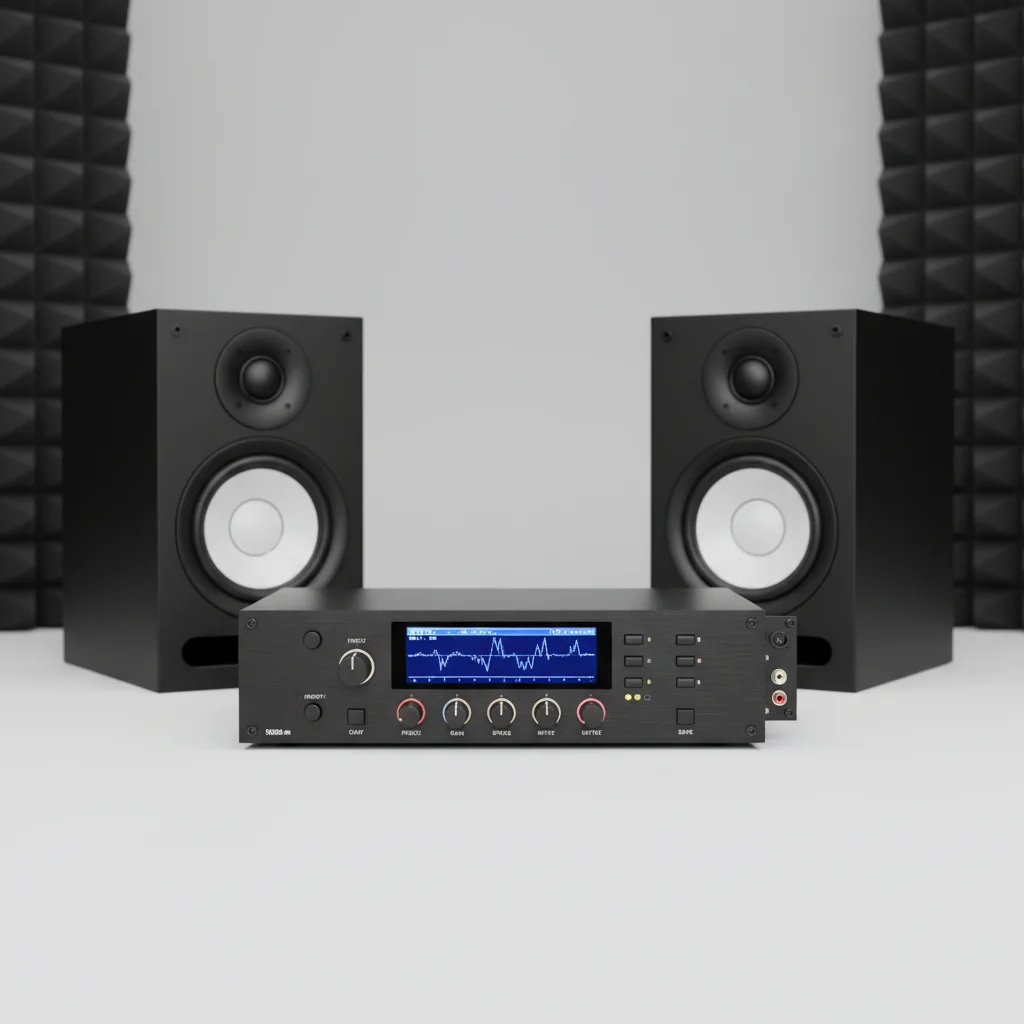
Studio monitor EQ is essential for achieving a flat frequency response in a listening environment, especially in untreated rooms. While many modern studio monitors offer a relatively flat response out of the box, room acoustics and personal preferences can introduce colorations that equalization helps correct. A subtle application of EQ can significantly improve the accuracy of mixes, making them translate better across different playback systems.
Understanding Studio Monitor EQ Basics
Equalization is the process of adjusting the balance between different frequency components within an audio signal. For studio monitors, this involves boosting or cutting specific frequencies to compensate for room modes, reflections, or the inherent characteristics of the speakers. The primary goal is to create a more neutral and accurate sound reproduction, allowing audio engineers to hear their mix precisely as it is, without artificial enhancements or deficiencies. For more studio monitor guides on this site.
When to Use EQ for Your Studio Monitors
You should consider using EQ for your studio monitors if you observe inconsistencies in your mixes when translating them to other systems, or if your listening environment has noticeable acoustic issues. Common problems that EQ can address include boomy bass, harsh highs, or a lack of clarity in the mid-range frequencies. Even in acoustically treated rooms, minor adjustments can fine-tune your setup. However, it is crucial to use EQ judiciously, as excessive equalization can introduce new problems.
- To correct room acoustic issues like standing waves.
- To compensate for monitor placement limitations.
- To fine-tune the monitor’s inherent frequency response.
- To achieve a more consistent sound across different listening levels.
- To address personal listening preferences without altering the mix.
Types of EQ for Studio Monitors
|
Our Picks for the Best Studio Monitor in 2026
As an Amazon Associate I earn from qualifying purchases.
|
||
| Num | Product | Action |
|---|---|---|
| 1 | PreSonus Eris 3.5 Studio Monitors, Pair — Powered, Active Monitor Speakers for Near Field Music Production, Desktop Computer, Hi-Fi Audio |

|
| 2 | PreSonus Eris 3.5 Studio Monitors (White), Pair — 3.5" Inch Powered Bookshelf Speakers, Stereo, Desktop Computer, Near Field Music Production, Audio Mixing Recording |
|
| 3 | (2) JBL 305P MkII 5" 2-Way Active Powered Studio Reference Monitors Speakers |
|
| 4 | PreSonus Eris E4.5-2-Way 4.5" Near Field Studio Monitor (Pair) |
|
| 5 | Yamaha HS3 Powered Studio Monitor in Black, Pair (HS3 B) |
|
| 6 | Edifier MR4 Powered Studio Monitor Speakers, 4" Active Near-Field Monitor Speaker - White (Pair) |
|
| 7 | Yamaha HS4 Powered Studio Monitor in White, Pair (HS4 W) |
|
| 8 | Mackie CR3.5 3.5" Creative Reference Powered Studio Monitors with Tone Knob and Location Switch — Active Speakers for Music Production, Desktop Computer, Gaming, HiFi Listening |
|
| 9 | Edifier R1280T Powered Bookshelf Speakers - 2.0 Active Near Field Studio Monitor Speaker - Wooden Enclosure - 42 Watts RMS Power |
|
| 10 | PreSonus Eris E5 2-Way 5.25" Near Field Studio Monitor |
|
There are several methods to apply EQ to studio monitors. Parametric EQs offer the most precise control, allowing adjustments to frequency, gain, and Q factor (bandwidth). Graphic EQs provide fixed frequency bands with adjustable gain. Many studio monitors also feature built-in room correction EQs or boundary compensation switches, designed to mitigate issues caused by placement near walls or corners. Digital Room Correction (DRC) systems, often software-based, analyze your room and automatically apply corrective EQ.
Best Practices for Applying Studio Monitor EQ
When applying EQ, always begin with small adjustments and critically evaluate the results. It is generally more effective to cut problematic frequencies than to boost others, as boosting can introduce unwanted artifacts or headroom issues. Use reference tracks to compare your sound with professionally mixed material. Consider employing a measurement microphone and specialized software to analyze your room’s frequency response, which provides objective data to guide your EQ decisions. Remember, the ultimate goal is transparency, not a colored sound.
Frequently Asked Questions
What is the primary purpose of studio monitor EQ?
The primary purpose of studio monitor EQ is to achieve a flat frequency response in your listening environment. This helps compensate for room acoustics and inherent speaker characteristics, ensuring a more accurate representation of your audio mix.
When should I consider using EQ for my studio monitors?
You should consider using EQ if your mixes don't translate well to other systems or if your room has acoustic issues like boomy bass or harsh highs. Even minor adjustments can fine-tune your setup for better clarity and balance.
What types of EQ are available for studio monitors?
Several types of EQ are available, including parametric EQs for precise control, graphic EQs with fixed bands, and built-in room correction EQs on some monitors. Digital Room Correction (DRC) systems also offer automated room analysis and correction.
Is it better to boost or cut frequencies when using EQ?
It is generally better to cut problematic frequencies rather than boost others when applying EQ. Boosting can introduce unwanted artifacts or headroom issues, while cutting helps to clean up the sound without adding artificial elements.
How can I objectively guide my EQ decisions for studio monitors?
To objectively guide your EQ decisions, use a measurement microphone and specialized software to analyze your room's frequency response. This provides data-driven insights into acoustic issues, allowing for more precise and effective equalization.

I’ve always been a bit intimidated by equalization, thinking it was only for super pro studios. But the explanation of how EQ helps compensate for room modes really clicked for me. I’ve been experimenting with some minor adjustments to my low end, and it’s definitely tightened things up. Still learning, but it’s made my untreated room much more usable.
My old monitors always had a bit of a muddy low-mid range, and I just assumed it was their characteristic sound. Learning about how personal preferences can introduce colorations made me realize I could actually fix it. A small cut around 250Hz on my monitors made them sound so much clearer and more neutral. Wish I’d known this years ago!
I used to struggle with my mixes sounding great in my home studio but terrible everywhere else. After reading about how even a subtle application of EQ can improve accuracy, I finally invested in some basic room treatment and started using the EQ settings on my monitors. What a difference! My mixes translate so much better now, and I can actually trust what I’m hearing.
While I agree that EQ is important for a flat frequency response, I found that relying too heavily on it without any room treatment first was a mistake. I tried to fix everything with just the monitor’s built-in EQ, and it just sounded off. It’s a good tool, but definitely not a magic bullet if your room is really bad.