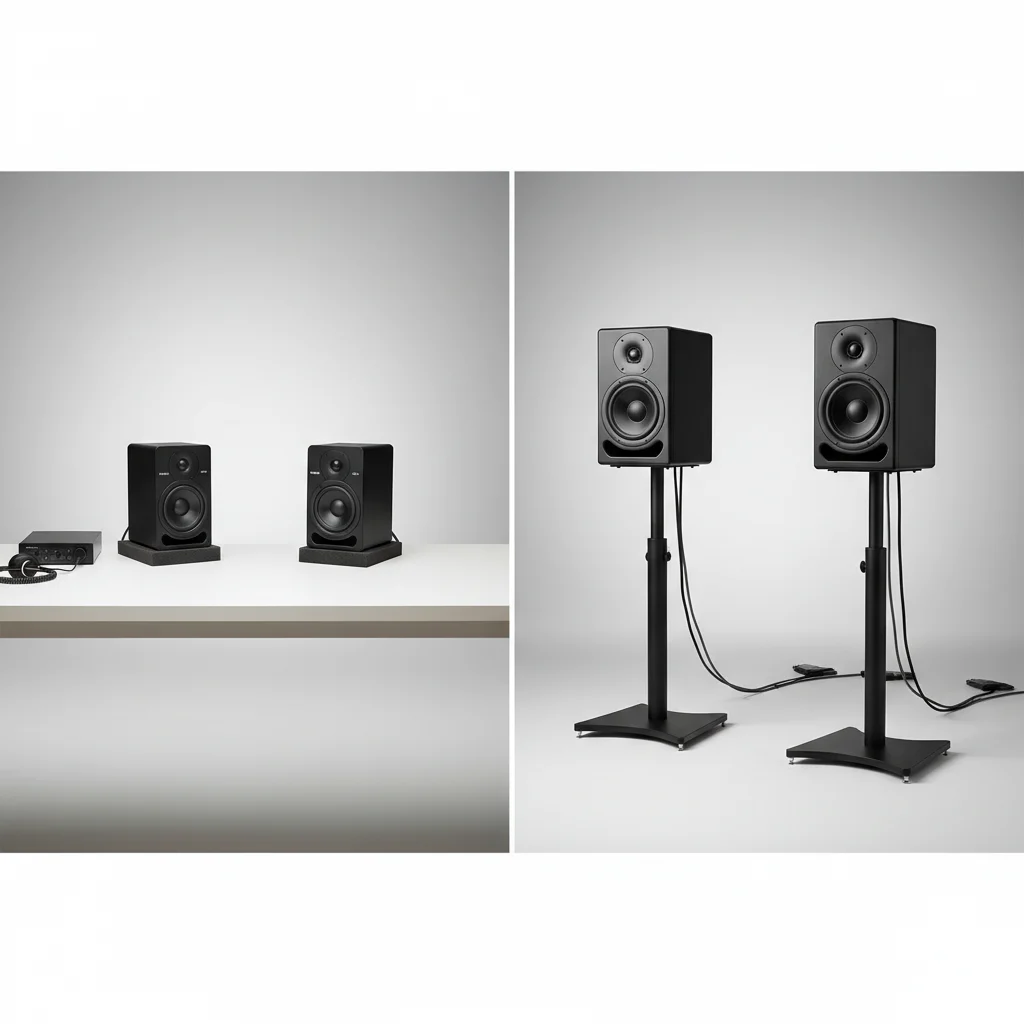
Optimal studio monitor placement is crucial for accurate sound reproduction, with near-field monitoring being the most practical and effective for most home studios. Near-field setups typically place monitors 3-5 feet from the listener, minimizing room acoustic impact by ensuring direct sound dominates. This approach is particularly beneficial in smaller or untreated rooms, providing a more accurate audio representation.
Understanding Near-Field Monitoring
Near-field monitoring involves positioning studio monitors relatively close to your listening spot, usually 3 to 5 feet away. This configuration reduces the influence of room acoustics by minimizing reflected sound. The direct sound from the monitors becomes dominant, offering a more precise audio representation. This setup is highly advantageous in untreated or smaller rooms where reflections can significantly color the sound. Proper near-field placement typically forms an equilateral triangle between the listener and the two monitors, with tweeters at ear level. For explore our studio monitor reviews on this site.
Exploring Mid-Field Monitoring
Mid-field monitoring places monitors further from the listener, generally 6 to 10 feet away. This setup provides a broader soundstage and is beneficial in larger, acoustically treated rooms. Mid-field monitors often feature larger drivers and more power to project sound effectively over greater distances. While they offer a more immersive listening experience, they are more susceptible to room acoustic problems, necessitating proper room treatment for accurate monitoring. This setup is more common in professional studios with dedicated control rooms.
Key Considerations for Optimal Placement
|
Our Picks for the Best Studio Monitor in 2026
As an Amazon Associate I earn from qualifying purchases.
|
||
| Num | Product | Action |
|---|---|---|
| 1 | Mackie CR3.5 3.5" Creative Reference Powered Studio Monitors with Tone Knob and Location Switch — Active Speakers for Music Production, Desktop Computer, Gaming, HiFi Listening |

|
| 2 | PreSonus Eris E5 2-Way 5.25" Near Field Studio Monitor |
|
| 3 | (2) JBL 305P MkII 5" 2-Way Active Powered Studio Reference Monitors Speakers |
|
| 4 | PreSonus Eris 3.5 Studio Monitors (White), Pair — 3.5" Inch Powered Bookshelf Speakers, Stereo, Desktop Computer, Near Field Music Production, Audio Mixing Recording |
|
| 5 | Yamaha HS4 Powered Studio Monitor in White, Pair (HS4 W) |
|
| 6 | Edifier MR4 Powered Studio Monitor Speakers, 4" Active Near-Field Monitor Speaker - White (Pair) |
|
| 7 | Edifier R1280T Powered Bookshelf Speakers - 2.0 Active Near Field Studio Monitor Speaker - Wooden Enclosure - 42 Watts RMS Power |
|
| 8 | Yamaha HS3 Powered Studio Monitor in Black, Pair (HS3 B) |
|
| 9 | PreSonus Eris E4.5-2-Way 4.5" Near Field Studio Monitor (Pair) |
|
| 10 | PreSonus Eris 3.5 Studio Monitors, Pair — Powered, Active Monitor Speakers for Near Field Music Production, Desktop Computer, Hi-Fi Audio |
|
Regardless of whether you choose near-field or mid-field, several universal principles apply to optimal studio monitor placement. These include:
- Equilateral Triangle: Always aim for an equilateral triangle between your head and the two monitors to ensure a balanced stereo image.
- Ear Level Tweeters: Position the tweeters at ear level to place yourself in the monitor’s sweet spot for high-frequency reproduction.
- Distance from Walls: Keep monitors away from walls, especially corners, to prevent bass buildup and comb filtering. A general rule is at least 1-2 feet from the back wall.
- Symmetry: Ensure your setup is symmetrical within the room to maintain a balanced stereo field.
- Isolation: Use isolation pads or stands to decouple your monitors from your desk or floor, reducing unwanted vibrations.
Achieving perfect placement often requires experimentation. Small adjustments can significantly improve sound clarity and stereo imaging. Consider using acoustic measurement tools or simply trust your ears to fine-tune your setup. Even the best monitors will underperform if not positioned correctly.
The Impact of Room Acoustics
Room acoustics critically influence how your monitors sound, irrespective of their placement. Reflections from walls, ceilings, and floors can cause phase issues, frequency imbalances, and a smeared stereo image. While near-field monitoring helps mitigate some of these issues, proper acoustic treatment is always recommended for serious audio work. This can include bass traps, diffusers, and absorption panels. Even simple solutions like heavy curtains or bookshelves can make a noticeable difference in smaller rooms.
The goal of proper studio monitor placement is to create a listening environment conducive to accurate mixing decisions. By understanding the differences between near-field and mid-field setups and applying fundamental acoustic principles, you can significantly improve the quality of your audio production.Investing in quality monitor stands and isolation pads can further enhance your setup by providing a stable and decoupled platform for your speakers.
Frequently Asked Questions
What is the primary difference between near-field and mid-field monitoring?
The primary difference lies in the distance from the listener. Near-field monitors are typically placed 3-5 feet away, minimizing room acoustic impact, while mid-field monitors are positioned 6-10 feet away, suitable for larger, acoustically treated rooms and offering a broader soundstage.
Why is near-field monitoring often recommended for home studios?
Near-field monitoring is recommended for home studios because it minimizes the impact of room acoustics by reducing reflected sound. This setup, with monitors 3-5 feet from the listener, provides a more accurate representation of the audio, especially in smaller or untreated rooms.
What is the 'equilateral triangle' principle in monitor setup?
The 'equilateral triangle' principle means forming a perfect triangle between your head and the two studio monitors. This setup ensures a balanced stereo image and places you in the optimal listening position, often referred to as the 'sweet spot'.
How do room acoustics affect studio monitor performance?
Room acoustics significantly affect monitor performance by introducing reflections from surfaces, which can cause phase issues, frequency imbalances, and a smeared stereo image. Proper acoustic treatment, even simple solutions like heavy curtains, is crucial for accurate monitoring.
Should tweeters be at ear level for optimal sound?
Yes, tweeters should be positioned at ear level for optimal sound. This ensures that you are in the monitor's sweet spot for high-frequency reproduction, allowing you to hear the most accurate and detailed sound from your speakers.

This guide on near-field vs. mid-field was super helpful. I always just plonked my monitors down, but understanding how direct sound dominates in a near-field setup has totally changed my perspective. My mixes are translating so much better now that I’ve optimized my monitor distance. Highly recommend paying attention to this detail!
I’ve always struggled with getting a true mix in my small home studio, and the advice on near-field placement really hit home. Moving my monitors to about 4 feet away from my listening position made a huge difference. The soundstage is so much clearer now, and I can actually hear the subtle details I was missing before. Definitely a game-changer for my workflow.
The concept of near-field monitoring for smaller rooms is solid, and I appreciate the detailed explanation. I tried setting up my monitors 3 feet from me, but honestly, it felt a bit too close for my comfort. I ended up moving them back a bit, maybe 4.5 feet, and it feels more natural. The sound is good, but that super close distance wasn’t for me.
I’ve been experimenting with monitor placement for a while, and the emphasis on minimizing room acoustic impact really resonated. I tried the near-field setup as suggested, and while it’s a definite improvement, I still feel like my untreated room is causing some issues. It’s better, but I might need to look into some acoustic treatment next to get that perfect sound.