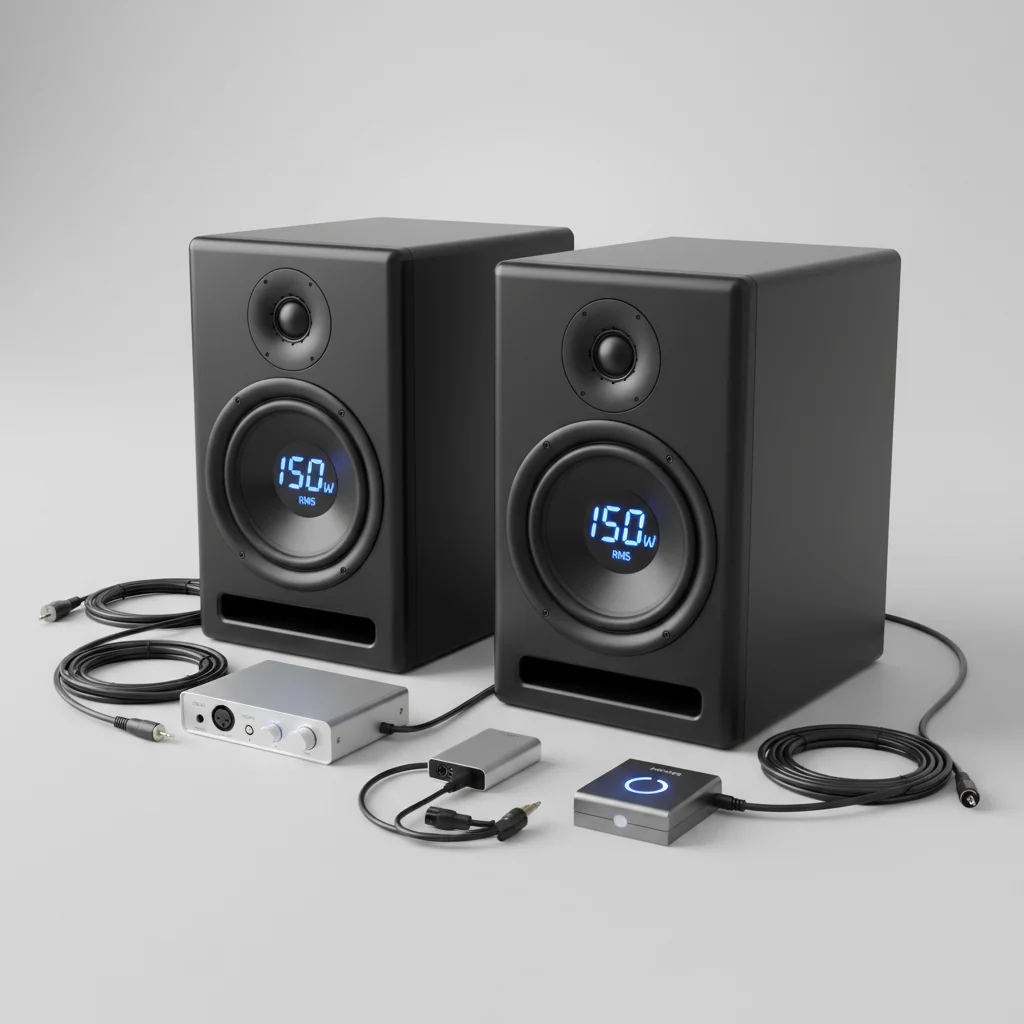
For home studios, studio monitor wattage typically ranges from 50 to 100 watts RMS per monitor, while professional setups often require 100 to 200 watts RMS or more. The ideal wattage depends on room size, listening distance, and the monitor’s sensitivity and impedance. Matching your amplifier’s output to your monitors’ power handling capabilities is crucial to prevent clipping and ensure clear, undistorted audio reproduction.
Understanding RMS vs. Peak Power
When examining studio monitor specifications, you will encounter two primary wattage ratings: RMS (Root Mean Square) and Peak Power. RMS wattage signifies the continuous power an amplifier can deliver or a speaker can handle over a sustained period without damage. This figure is more critical for real-world performance and equipment longevity. Peak power, conversely, indicates the maximum power a speaker can handle for very brief bursts, such as transient audio peaks. Always prioritize the RMS rating when comparing monitors or amplifiers, as it offers a more accurate representation of their sustained performance. For expert studio monitor reviews on this site.
Room Size and Listening Distance Considerations
The dimensions of your studio space and your typical listening distance significantly influence wattage requirements. In smaller rooms (under 150 sq ft) and for near-field listening (1-1.5 meters), monitors with 50-75 watts RMS per channel are generally sufficient. For medium-sized rooms (150-300 sq ft) or mid-field listening (1.5-2.5 meters), 75-150 watts RMS may be more appropriate to achieve adequate sound pressure levels without overdriving the monitors. Larger rooms or control rooms might necessitate monitors with 150 watts RMS or higher to effectively fill the space and maintain dynamic range. It is always better to have a bit more headroom in your amplifier’s wattage than to constantly operate it at its maximum.
Monitor Sensitivity and Impedance
Monitor sensitivity, measured in decibels (dB) SPL per watt at one meter, indicates how efficiently a speaker converts amplifier power into sound. A higher sensitivity rating means the monitor will produce more sound with less power. For example, a monitor with 90 dB sensitivity will be louder than one with 85 dB sensitivity when both receive the same wattage. Impedance, measured in ohms, represents the electrical resistance of the speaker. Most studio monitors are 4 or 8 ohms. It is crucial to match the amplifier’s output impedance to the speaker’s impedance to ensure proper power transfer and prevent damage to either component. Mismatched impedance can lead to overheating or reduced performance.
Active vs. Passive Monitors and Wattage
|
Our Picks for the Best Studio Monitor in 2026
As an Amazon Associate I earn from qualifying purchases.
|
||
| Num | Product | Action |
|---|---|---|
| 1 | PreSonus Eris E5 2-Way 5.25" Near Field Studio Monitor |

|
| 2 | PreSonus Eris 3.5 Studio Monitors (White), Pair — 3.5" Inch Powered Bookshelf Speakers, Stereo, Desktop Computer, Near Field Music Production, Audio Mixing Recording |
|
| 3 | Yamaha HS3 Powered Studio Monitor in Black, Pair (HS3 B) |
|
| 4 | PreSonus Eris 3.5 Studio Monitors, Pair — Powered, Active Monitor Speakers for Near Field Music Production, Desktop Computer, Hi-Fi Audio |
|
| 5 | Edifier MR4 Powered Studio Monitor Speakers, 4" Active Near-Field Monitor Speaker - White (Pair) |
|
| 6 | (2) JBL 305P MkII 5" 2-Way Active Powered Studio Reference Monitors Speakers |
|
| 7 | Yamaha HS4 Powered Studio Monitor in White, Pair (HS4 W) |
|
| 8 | Mackie CR3.5 3.5" Creative Reference Powered Studio Monitors with Tone Knob and Location Switch — Active Speakers for Music Production, Desktop Computer, Gaming, HiFi Listening |
|
| 9 | PreSonus Eris E4.5-2-Way 4.5" Near Field Studio Monitor (Pair) |
|
| 10 | Edifier R1280T Powered Bookshelf Speakers - 2.0 Active Near Field Studio Monitor Speaker - Wooden Enclosure - 42 Watts RMS Power |
|
The discussion of wattage often differs between active and passive studio monitors. Active monitors have built-in amplifiers, meaning the manufacturer has already optimized the amplifier’s wattage to match the drivers. This simplifies setup and ensures proper power allocation. Passive monitors, however, require an external amplifier. When selecting an amplifier for passive monitors, aim for an amplifier that can deliver 1.5 to 2 times the RMS wattage of the monitors. This provides sufficient headroom for dynamic peaks and prevents the amplifier from clipping, which can damage speakers. For instance, if your passive monitors are rated for 100 watts RMS, an amplifier capable of 150-200 watts RMS per channel would be ideal.
- Consider your room’s acoustics and treatment.
- Match amplifier RMS to monitor RMS for passive setups.
- Prioritize monitors with good sensitivity for efficiency.
- Avoid running monitors at maximum volume for extended periods.
- Consult manufacturer specifications for optimal power handling.
The Impact of Underpowering and Overpowering
Both underpowering and overpowering your studio monitors can lead to detrimental effects. Underpowering occurs when an amplifier’s wattage is too low for the speakers, forcing the amplifier to work harder and potentially clip. Clipping produces distorted square waves that can quickly damage speaker voice coils. Conversely, overpowering involves sending too much wattage to the speakers, exceeding their power handling capabilities. While less common with active monitors, it can still lead to blown drivers or voice coils in passive setups if the amplifier is significantly more powerful and driven too hard. The goal is to find a balanced wattage that allows your monitors to perform optimally without strain.
Choosing the Right Wattage for Your Setup
Selecting the correct studio monitor wattage is a balance of several factors. For most home studio producers, a pair of active monitors with 75-100 watts RMS per side will provide ample volume and clarity. If you’re working in a larger space or require higher SPLs for critical listening, consider stepping up to 150-200 watts RMS per monitor. Always check the manufacturer’s recommendations for both active and passive monitors. Remember that higher wattage doesn’t automatically equate to better sound quality; it primarily relates to maximum volume and headroom. Focus on monitors that offer a flat frequency response and accurate sound reproduction for your specific needs.
Frequently Asked Questions
What is the recommended studio monitor wattage for a home studio?
For most home studios, a pair of active monitors with 75-100 watts RMS per side will provide ample volume and clarity. This range is suitable for typical room sizes and near-field listening distances, ensuring optimal sound without overdriving the equipment.
What is the difference between RMS and Peak Power wattage?
RMS (Root Mean Square) wattage represents the continuous power a speaker can handle over a sustained period without damage, making it the more important figure for real-world performance. Peak power indicates the maximum power a speaker can handle for very short bursts, like transient audio peaks.
How does room size affect the wattage needed for studio monitors?
Room size significantly impacts wattage requirements. Smaller rooms (under 150 sq ft) typically need 50-75 watts RMS per channel, while medium-sized rooms (150-300 sq ft) may require 75-150 watts RMS. Larger spaces often necessitate 150 watts RMS or higher to fill the room effectively.
Should I choose active or passive studio monitors for my setup?
Active monitors have built-in amplifiers, simplifying setup and ensuring optimized power matching. Passive monitors require an external amplifier, where it's recommended to choose an amplifier that can deliver 1.5 to 2 times the RMS wattage of the monitors for sufficient headroom and to prevent clipping.
What are the risks of underpowering or overpowering studio monitors?
Underpowering occurs when an amplifier's wattage is too low, forcing it to clip and produce distorted square waves that can damage speaker voice coils. Overpowering, sending too much wattage, can lead to blown drivers or voice coils if the amplifier is significantly more powerful and driven too hard.

I appreciate the breakdown of wattage, but I wish there was a bit more on specific brands or models that fit certain wattage ranges. It’s still a bit overwhelming trying to pick out monitors when you’re just given the numbers. My 100-watt monitors are okay, but I’m still wondering if I could’ve done better for my professional setup. The info on preventing clipping was solid though.
Finally, someone explained why matching amplifier output to monitors is so important! I used to just buy whatever was on sale, and my mixes always sounded muddy. Now I get that it’s not just about raw power, but about the right power for the right gear. My new setup with properly matched components sounds incredibly clear and detailed. This saved me a lot of headaches.
This was super helpful for figuring out what I needed. I have a pretty small room, so I was leaning towards something in the 50-watt range. After reading this, I realized that for my listening distance, I could probably go a little higher without overkill. Ended up with some 75-watt monitors, and they sound fantastic without being too loud or underpowered. Good advice on room size.
I’ve always been confused about RMS vs. Peak Power, but this really cleared it up. My old monitors were constantly clipping, and I finally understand why. I upgraded to a pair of 120-watt RMS monitors for my home studio, and the difference is night and day. No more distortion, even when I’m really pushing them during mixing sessions. Highly recommend understanding these specs before buying.